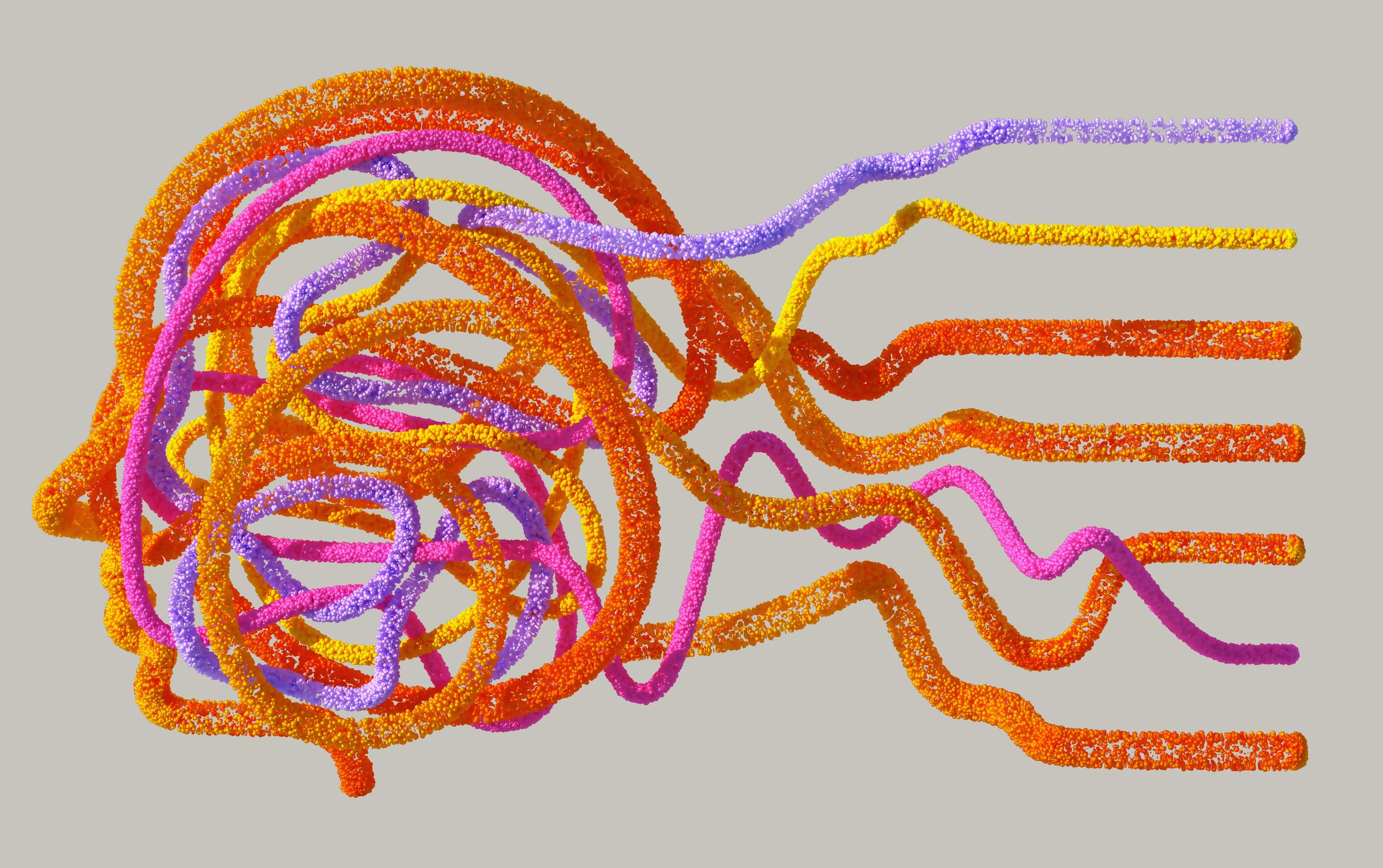
We’re Floats, turning every scattered thought into a living, connected canvas.
Notes, papers and sparks land on one endless surface, kept exactly where you left them.
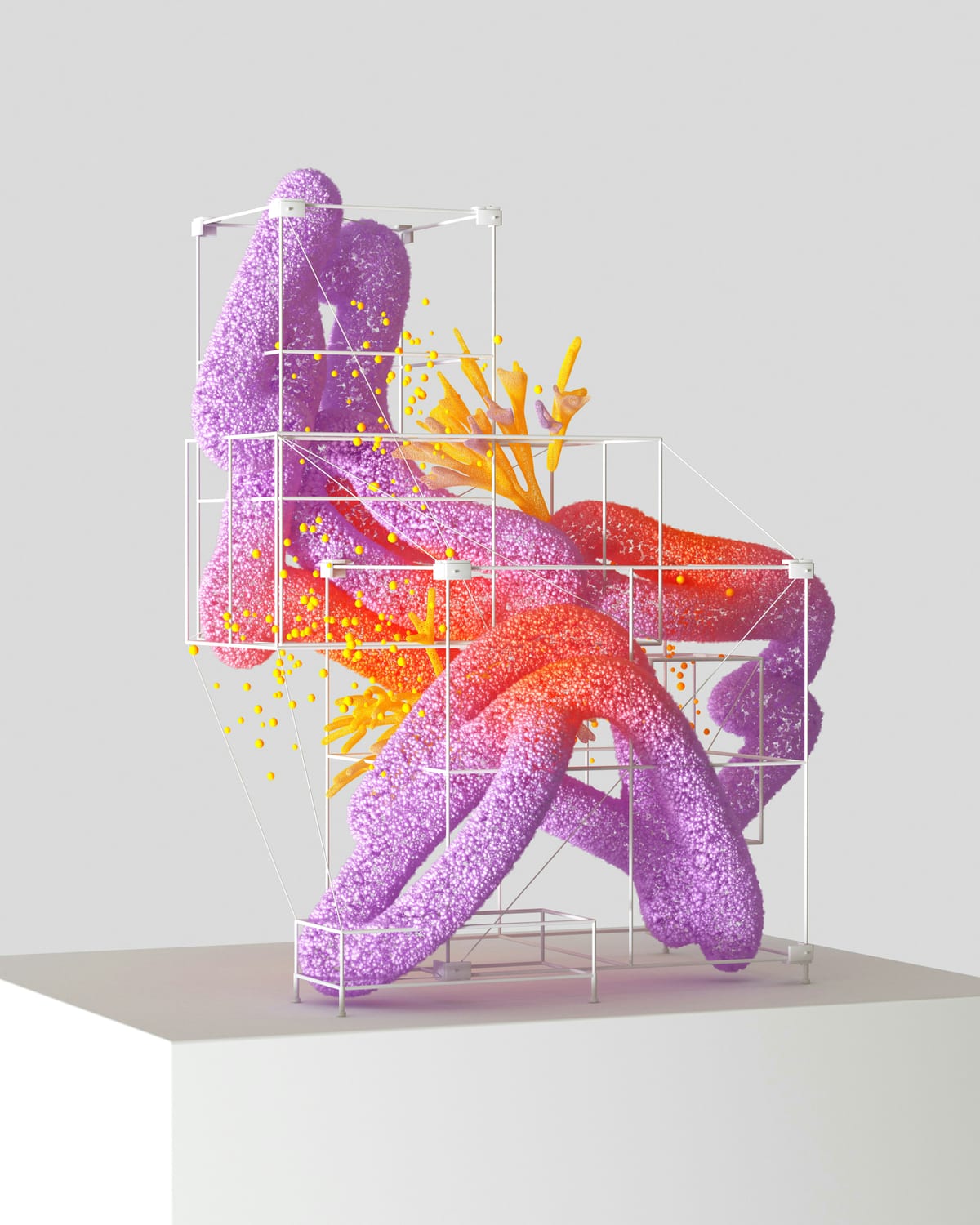
Everything you’re learning, in one place.
Pictures, papers, videos, notes and code land side by side on one endless canvas, tied together with margin notes and links.


A canvas that teaches itself.
Pick any float and Teach Mode explains it: pointing at each part, reading along, and bringing in pictures and videos from the web.
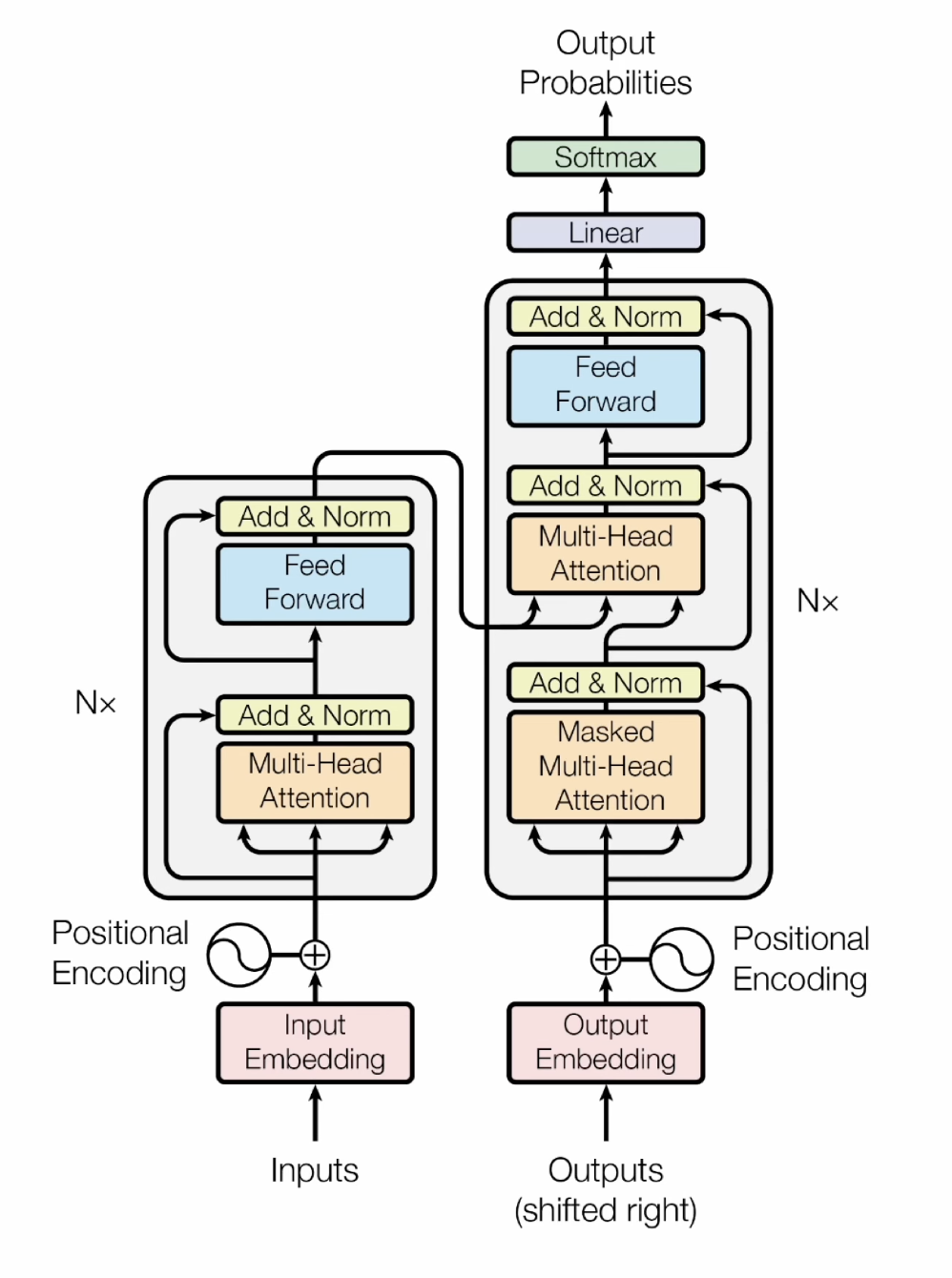
Turn any canvas into flashcards.
Flip a card, grade yourself, and what you nearly forgot comes back first, with the picture or short clip that explains it.
Write it like paper.
On iPad, Apple Pencil turns your canvas into a page you can write on.

One canvas. Every screen.
Open Floats in the browser on your Mac, or on iPad with Apple Pencil. Every canvas is right where you left it.




Your notes stay yours.
Here’s exactly where they go and who can see them.
Only your account can open your canvases. The database checks every request against your account before anything comes back.
When you ask Teach to explain a float or review your cards, that text goes to Google Gemini to write the answer, and the topic goes to Tavily to find pictures and videos. Gemini also indexes your notes so you can search them, and only your account can use that index.
Your canvases are stored in Australia, in Sydney, and encrypted both on the way there and while they’re stored.